Restaurant Reporting Tools for Clearer Business Decisions
Restaurant reporting tools help owners convert everyday operational data into structured reports that are easier to review, compare, and use for business decisions.
Restaurants generate information from POS transactions, billing, inventory, purchasing, customers, employees, accounting, and kitchen operations. When each department produces separate spreadsheets or reports, owners may struggle to understand the complete business picture.
A connected restaurant reporting system brings relevant information together so management can spend less time collecting data and more time understanding what the data means.
What Are Restaurant Reporting Tools?
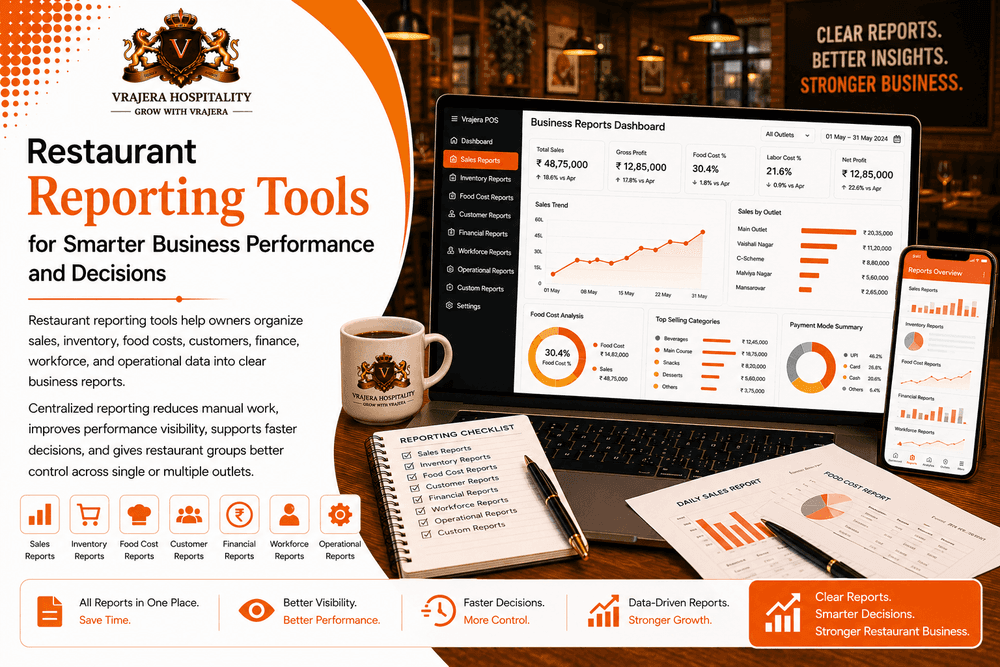
Restaurant reporting tools are software features that organize restaurant data into structured reports for owners, managers, finance teams, and other authorized users.
Depending on available business information, reporting tools can organize:
- Sales reports
- Inventory reports
- Food cost reports
- Purchase reports
- Customer reports
- Workforce reports
- Financial reports
- Outlet performance reports
Useful reporting should answer business questions instead of simply creating more spreadsheets.
Manual Reports vs Restaurant Reporting Software
| Reporting Area | Manual Reporting | Restaurant Reporting Tools |
|---|---|---|
| Data Collection | Multiple Sources | Centralized |
| Report Preparation | Manual | More Automated |
| Historical Comparison | Time-Consuming | Easier |
| Outlet Reports | Separate Files | Organized |
| Report Accuracy | Repeated Entry | Connected Data |
| Management Visibility | Delayed | Faster |
Restaurant Sales Reports
Sales reporting helps owners understand revenue and transaction performance.
Daily Sales Reports
Daily sales reports can organize relevant information such as:
- Total sales
- Order volume
- Average order value
- Payment information
- Transaction activity
This provides management with a useful daily business summary.
Period-Wise Sales Reports
Restaurant owners can compare sales across days, weeks, months, or other relevant periods.
Historical comparison helps identify recurring trends and unusual changes.
Menu Sales Reports
Menu reports can show which items or categories generate customer orders.
When combined with food costs and recipe information, these reports become more useful for menu decisions.
Restaurant Inventory Reports
Inventory reporting helps management understand how stock moves through the business.
Current Stock Reports
Restaurant teams can review relevant inventory availability without manually rebuilding stock information.
Stock Movement Reports
Inventory reports can organize relevant information related to:
- Purchases
- Consumption
- Transfers
- Adjustments
- Wastage
This creates better stock visibility.
Inventory Variance Reports
Comparing system records with physical inventory can help identify differences that require investigation.
Wastage Reports
Wastage reporting helps management understand where inventory is being lost through spoilage, expiry, preparation, or other recorded reasons.
Purchase and Vendor Reports
Purchasing reports help restaurants understand procurement activity and supplier spending.
Purchase Reports
Restaurant owners can review purchasing information by relevant period, product category, or location.
Vendor Reports
Vendor reporting can provide context around:
- Purchase history
- Supplier spending
- Delivery information
- Relevant vendor records
Better Procurement Visibility
Connecting purchasing reports with inventory information helps restaurants understand why products were purchased and how stock was subsequently used.
This creates stronger context than viewing purchase totals alone.
Food Cost and Profitability Reports
Restaurant reporting should connect sales with costs wherever reliable data is available.
Food Cost Reports
Food cost reports help restaurants understand ingredient and recipe-related cost information.
Recipe Cost Reports
Standardized recipe costing can provide useful context for understanding menu-item economics.
Profitability Reports
Relevant sales and cost information can support restaurant profitability analysis.
Margin Visibility
Restaurant owners can review appropriate margin information alongside operational reports to understand whether business growth is financially sustainable.
Customer and CRM Reports
Customer reporting can help restaurants understand purchasing and retention patterns where reliable customer data is available.
Customer Activity Reports
Restaurants may review relevant information about identified customer interactions and purchase history.
Repeat Customer Reports
Repeat customer information can provide context about retention.
Loyalty Reports
Restaurants operating loyalty programs can review relevant participation or engagement information.
Customer Segmentation Reports
Appropriate customer information can be organized into useful groups for analysis and relevant communication strategies.
Workforce and HR Reports
Restaurant operations also depend heavily on employees.
Attendance Reports
Attendance reporting can provide management with structured workforce records.
Scheduling Reports
Staff schedule information can help management review workforce coverage.
Performance and Training Reports
Where relevant processes exist, employee performance and training information can provide context for workforce development.
Use Workforce Reports Responsibly
Employee data should be interpreted with appropriate role, shift, location, and operational context rather than using one metric as a complete judgment of employee performance.
Restaurant Financial Reports
Financial reporting gives restaurant owners a clearer understanding of business results.
Revenue and Expense Reports
Restaurants can organize relevant revenue and operating expense information for financial review.
P&L Reports
Profit and loss reporting can provide a structured view of revenue, relevant costs, expenses, and profitability.
Cash Flow Information
Cash flow reports help management understand relevant money moving into and out of the restaurant business.
Budget vs Actual Reports
Comparing planned and actual financial information can help management identify areas where results differ from expectations.
Management and Operational Reports
Restaurant managers need reports that help them run daily operations, not just prepare monthly financial reviews.
Operational Summary Reports
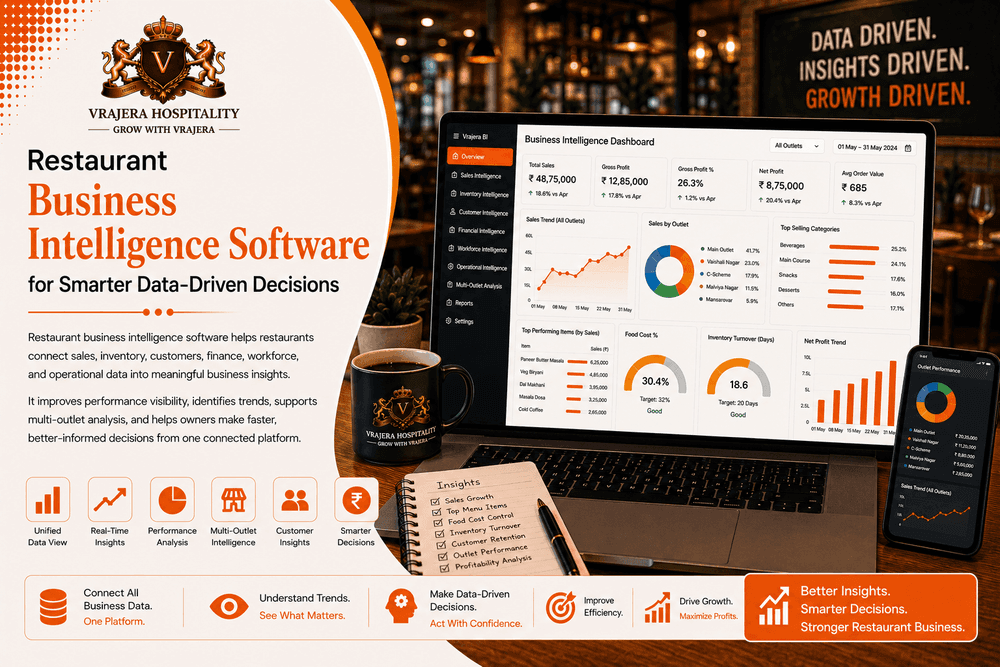
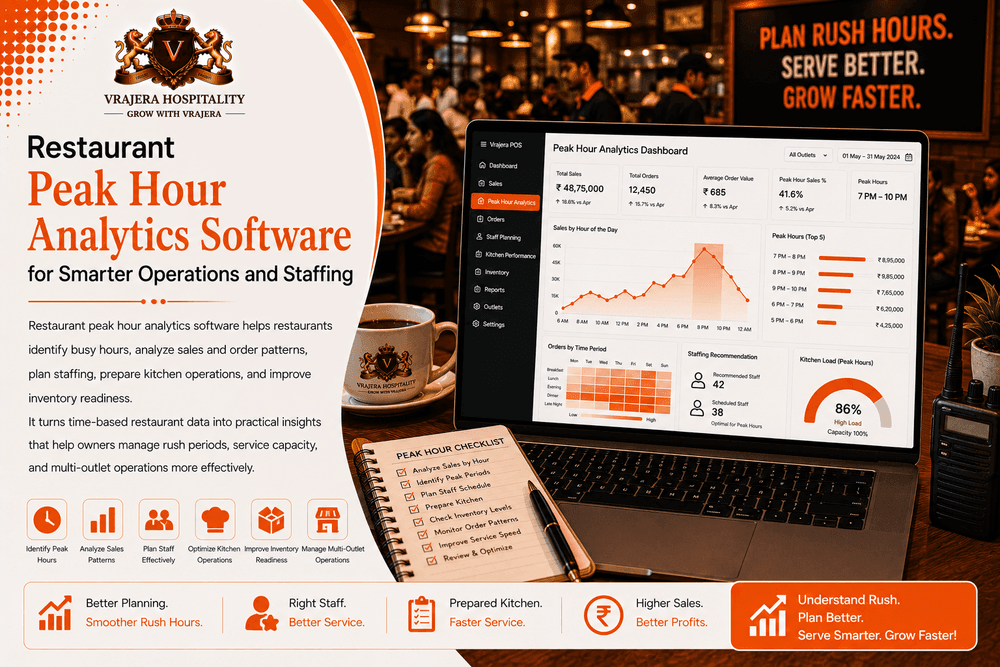
Management reports can bring together relevant information about sales, inventory, purchasing, customers, workforce, and operations.
Exception Reporting
Rather than reviewing every normal transaction, managers benefit from reports that help identify unusual situations requiring attention.
Historical Reports
Historical reporting allows restaurant owners to compare business performance over time and investigate changes.
Multi-Outlet Restaurant Reporting
Restaurant chains need reporting that works at both location and group levels.
Outlet-Wise Reports
Management can organize relevant reports according to individual restaurant locations.
Compare Outlet Performance
Restaurant groups may compare appropriate information such as:
- Sales
- Food costs
- Inventory
- Purchasing
- Customers
- Financial performance
across locations.
Consolidated Restaurant Reports
Senior management can review broader business information without manually combining reports from every outlet.
Maintain Local Context
Outlet comparisons should consider differences in location, customer demand, operating hours, restaurant format, and other local conditions.
Restaurant Reporting vs Analytics
Reporting and analytics are closely related but serve different purposes.
Reporting Shows What Happened
Restaurant reports organize historical and current business information into a structured format.
Analytics Helps Explore Why
Analytics goes deeper by identifying patterns, relationships, and trends within restaurant data.
Both Work Together
Reporting provides a reliable information foundation, while analytics helps management investigate and interpret performance.
A connected restaurant platform should support both.
Vrajera Restaurant Reporting Tools
Vrajera Restaurant Reporting Tools form part of a broader Restaurant Analytics Software and Restaurant Commerce OS designed around food-business operations.
Connected Reporting Across Restaurant Operations
Vrajera is designed to connect relevant information from:
- Restaurant POS
- Billing
- Inventory
- Purchasing
- Vendor management
- CRM
- HRMS
- Accounting
- Analytics
This creates a stronger foundation for centralized restaurant reporting.
Reduce Fragmented Reports
Instead of relying on separate reporting systems for every department, Vrajera helps bring relevant business information into a more connected operational environment.
Move from Reports to Insights
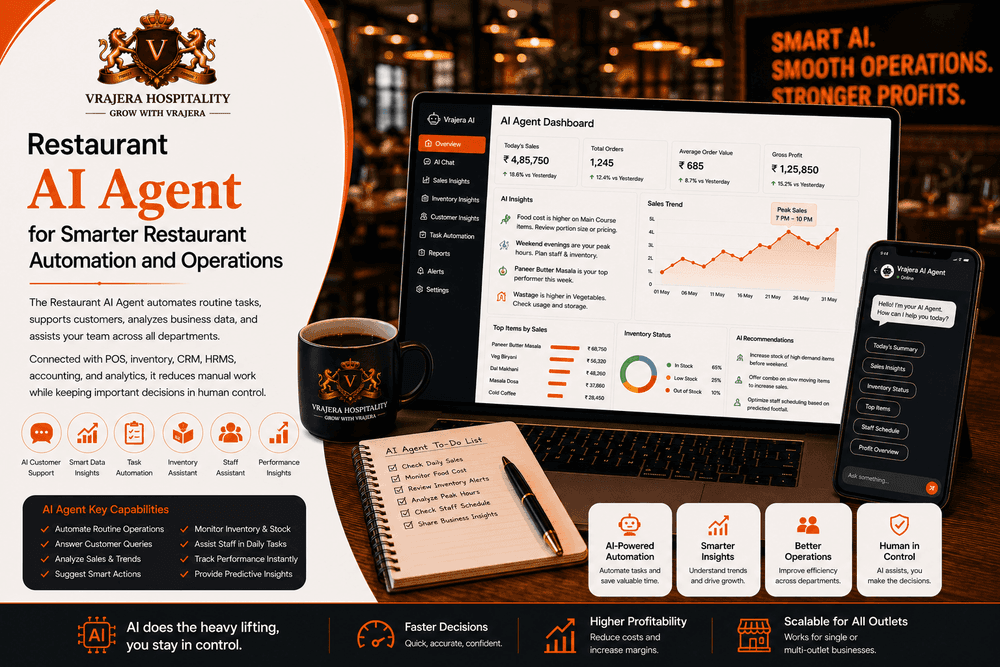
A report may show that food costs increased. Connected analytics can help management investigate whether ingredient pricing, purchasing, wastage, inventory, or menu performance contributed to the change.
Multi-Outlet Reporting
Restaurant groups can maintain centralized management visibility while reviewing location-level reports according to business requirements.
Why Restaurants Consider Vrajera Reporting
Vrajera connects reporting with the operational systems that create restaurant data.
This helps owners understand sales, inventory, customers, workforce, finance, and operations within one broader Restaurant Commerce OS rather than depending on disconnected reports.
Conclusion
Restaurant reporting tools help food businesses organize complex operational information into clear reports that owners and managers can actually use.
Sales, inventory, purchasing, food costs, customers, workforce, finance, and outlet performance become easier to understand when reporting is connected rather than fragmented. Vrajera brings restaurant reporting together with analytics and the wider Restaurant Commerce OS, helping businesses move from scattered data toward clearer performance visibility and better-informed decisions.
Frequently Asked Questions
What are restaurant reporting tools?
Restaurant reporting tools organize operational and financial data into structured reports covering areas such as sales, inventory, purchasing, customers, workforce, finance, and outlet performance.
What reports should restaurant owners review?
Useful reports may include sales, inventory, food cost, purchasing, vendor, customer, financial, workforce, and outlet performance reports depending on the restaurant's business requirements.
What is the difference between restaurant reporting and analytics?
Reporting primarily organizes what happened, while analytics helps management explore patterns, trends, relationships, and possible reasons behind performance changes.
Can restaurant reporting tools reduce manual work?
Connected reporting can reduce repeated data collection, spreadsheet consolidation, and manual re-entry when operational systems share relevant information.
Can restaurant reporting software support multiple outlets?
Yes. Multi-location reporting platforms can organize reports by individual outlet while providing consolidated visibility across the restaurant group.
Why choose Vrajera Restaurant Reporting Tools?
Vrajera connects POS, billing, inventory, purchasing, CRM, HRMS, accounting, and analytics through one Restaurant Commerce OS, providing a connected foundation for restaurant reporting and analysis.